- Messages
- 348
We’ve been working hard to improve your experience based on your feedback! Now, you can customize the posts you see when you click “What’s New” (both on desktop and mobile under “New Posts”).
 How It Works:
This update gives you more control, allowing you to filter your feed and focus on the content you care about most.
Give it a try and let us know what you think!
Mobile button
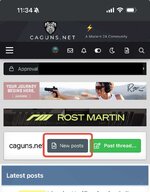
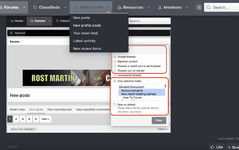
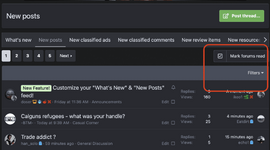
This will open up a list of new posts. Navigate toe the red box and click on Filters.
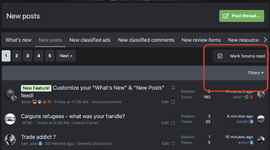
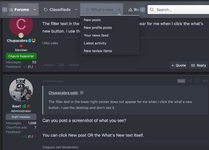
Desktop Button (You can also use the New Posts button)
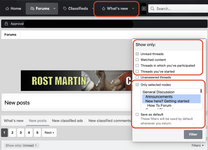
How It Works:- By Default: You’ll only see unread posts.
- Want to see everything? Simply uncheck the “Unread” box.
- Check the “Selected nodes” box.
- Choose the forums you want to follow.
- Enjoy your personalized feed!
- Check "Save as Default"
This update gives you more control, allowing you to filter your feed and focus on the content you care about most.
Give it a try and let us know what you think!
Mobile button
This will open up a list of new posts. Navigate toe the red box and click on Filters.
Desktop Button (You can also use the New Posts button)
Last edited by a moderator: